As an Amazon Associate, we earn from qualifying purchases. Some links on this site are affiliate links at no extra cost to you. Our recommendations are based on thorough research and editorial judgment.


What Should I Do If My Device Breaks?

If our device breaks, we should first assess the issue by identifying symptoms, running diagnostics, and checking for physical damage. Next, we can explore repair options, like authorized service centers or independent shops, depending on our budget. Self-repair is an option for minor issues, using common tools and online tutorials. We should also consider costs, as repairs can be cheaper than replacements. Finally, opting for sustainable practices can extend the device’s lifespan. Let’s discover more useful tips and options!
Key Takeaways
- Identify symptoms such as unusual noises or performance issues, and conduct a visual inspection for loose cables or overheating.
- Consider running diagnostic tools to test hardware components for more accurate assessments of the problem.
- Explore repair options: choose between authorized service centers, independent shops, mail-in services, or manufacturer programs based on your budget and needs.
- If the issue is simple, gather essential tools, follow reliable tutorials, and attempt a self-repair to save costs and increase device understanding.
- Assess repair costs versus replacement costs to determine the most economical solution while considering warranties and insurance coverage.
Assess the Nature of the Problem
You may be interested


When our devices start acting up, it can be frustrating, especially if we rely on them daily. To tackle the issue effectively, we should focus on symptoms identification. First, we should document any unusual noises, error messages, or signs of performance degradation. Timing and frequency may also reveal patterns in the problem.
Next, we can conduct a visual inspection, checking for loose cables or overheating signs. Gathering contextual data is essential—recent updates or changes might clue us in on the cause. Finally, we can run diagnostic tools to test hardware components and validate our findings. By systematically approaching the problem, we can better understand what’s going wrong and prepare for the next steps. Additionally, if the device is a fitness tracker, ensure that the charging duration and battery life are optimal, as issues may arise from inadequate power supply.
Explore Repair Options
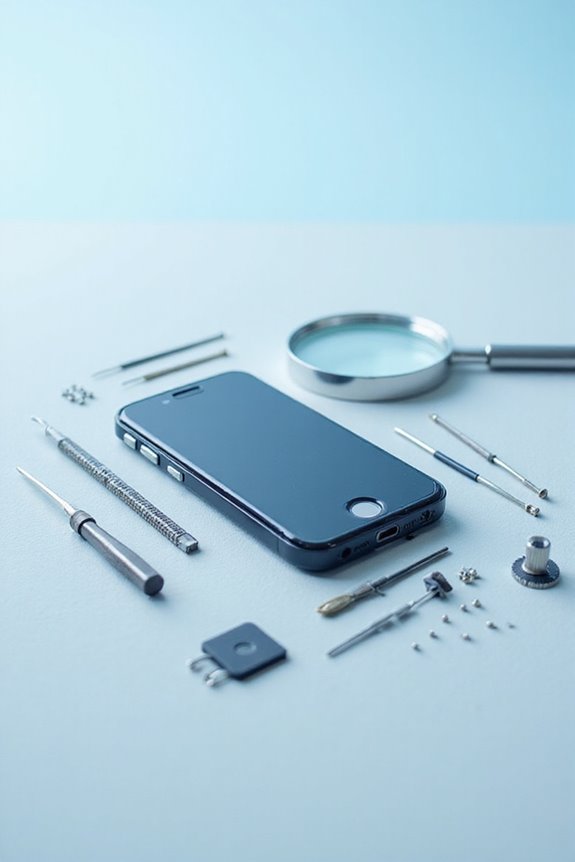
Exploring repair options can be intimidating, especially when we’re faced with a malfunctioning device that we depend on daily. We have several choices to evaluate:
- Authorized Service Centers: These provide manufacturer-trained technicians and genuine parts, guaranteeing our repair warranties stay intact. They also offer advanced device diagnostics and reliable repair quality.
- Independent Repair Shops: Often more budget-friendly, they handle common issues like screen and battery damage, with quicker turnaround times.
- Mail-In Repair Services: Perfect for convenience, these services use certified technicians and OEM parts, while guaranteeing tracking and insurance for our shipment.
- Manufacturer Programs: They might be pricier, but they guarantee high-quality repairs and customer support. Additionally, it’s essential to consult with insurance providers to understand potential coverage for repairs, which can significantly affect overall costs.
Recommended Products

UNMATCHED POWER AND PERFORMANCE: The Baja Wrangler 2 features 7.7 peak HP dual motors and a maximum weight capacity of 450 Lbs, making it a powerful and reliable choice for all your outdoor mobility needs.
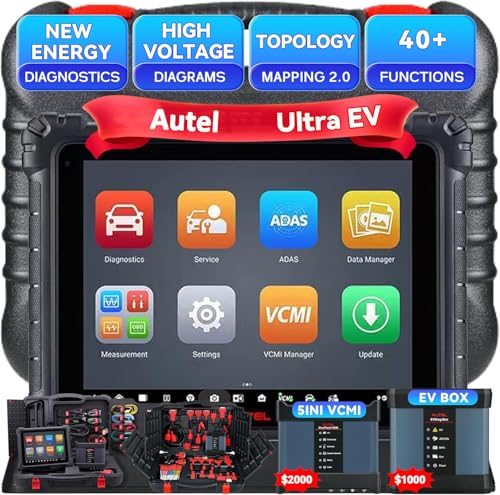
Autel MaxiSYS Ultra EV Diagnostic Tablet : The MaxiSys Ultra EV Autel scanner is a new generation of intelligent diagnostics for electric, hybrid, gas vehicles; AUTEL UltraEV provides a comprehensive analysis of electric and hybrid vehicles with expanded topology mapping and battery pack analysis ; The 12.9-inch UltraEV touchscreen tablet comes equipped with MaxiFlash VCMI (5-in-1) measurement device, Bluetooth-enabled vehicle communication interface and J2534 pass-thru programming device, and a dedicated EVDiag box
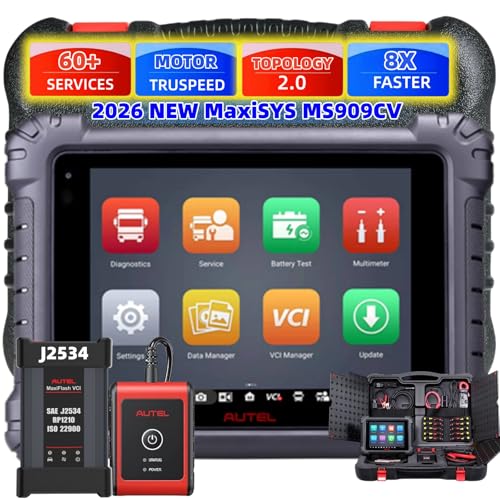
【2026 AUTEL TOP OF THE LINE FACTORY CV SCAN TOOL】Up of MS908CV/MS906CV, Get all the power of diagnosing Class 1 (0~6,000LBS)-Class 9 (33,000LBS) 150+ Light/Medium/Heavy Duty brands in MS909CV. MS909CV makes you enjoy more advanced functions: MOTOR TruSpeed Repair, Topology Mapping,ECU coding, 40+Services, 23+ Adaptions,3000+ Test, and 3-in-1 HD repair (Intelligent Scan+ADAS Calibration+Battery Analysis),Coupled with enhanced 2.0 hardware, suprass commom CV car diagnostic scanner!
Consider Self-Repair for Simple Issues
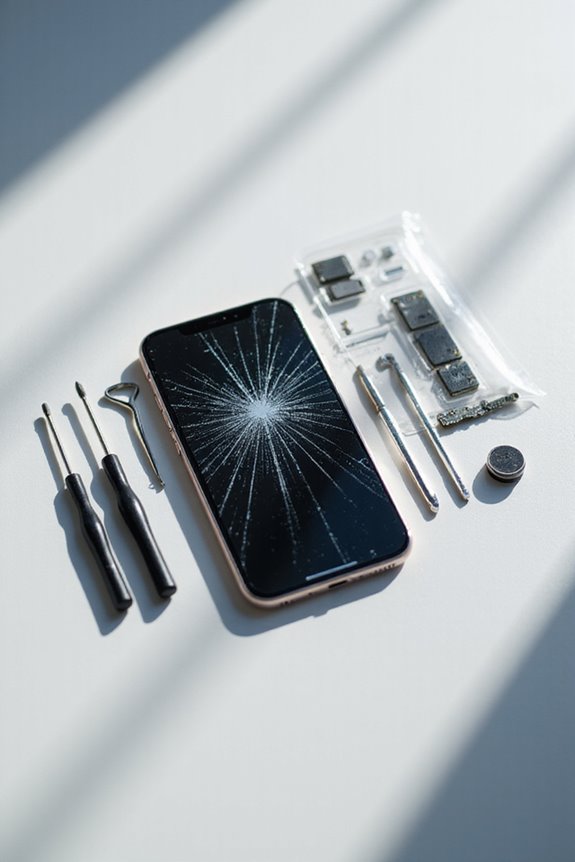
Self-repair can often seem intimidating, but for many simple issues, it’s a perfectly viable option. Many problems, like cracked screens or dead batteries, can be addressed with repair tutorials and basic DIY tools. Here’s what we can consider:
- Common Repairs: Cracked screens, battery replacements, and charging ports can often be fixed at home.
- Essential Tools: We’ll need screwdrivers, pliers, a multimeter, a soldering iron, and cleaning supplies.
- Steps to Follow: Identify the issue, gather tools, and follow reliable tutorials. Testing the device after each repair step is vital. Additionally, it’s smart to source compatible parts from budget fitness trackers that have similar specifications to ensure a proper fit.
Taking the DIY route not only saves money but also helps us gain understanding and control over our devices. With confidence, we can tackle these tasks together, reducing electronic waste in the process.
Recommended Products

PROFESSIONAL USE SYSTEM – Designed for windshield repair technicians and auto glass professionals. This is a complete mobile repair system, not a basic DIY windshield repair kit.

PROFACTOR PERFORMANCE: Delivers high torque for breaking free stuck bolts and driving large fasteners quickly

Clamp-mounted changer includes rim clamp plate and two center posts, one for open or hub type wheels and the other for bearing type wheels
Evaluate Costs and Alternatives

Evaluating the costs and alternatives for repair versus replacement is a significant step after considering self-repair for simple issues. Here’s what we should keep in mind:
- Repair Costs: Screen replacements average between $90 and $400, while battery replacements usually range from $40 to $120. Water damage repairs can hit between $100 and $500, depending on severity.
- Replacement Costs: A new flagship phone often costs over $1,000, making repairs more appealing for older models.
- Time and Convenience: Repairs can take longer than anticipated, often disrupting our daily routines.
- Warranties and Insurance: Coverage can lessen repair costs, so checking our policies is essential. Additionally, many repair options can provide natural alternatives for managing stress during the waiting period.
Recommended Products

SONY USA AUTHORIZED MODEL - Includes Full SONY USA WARRANTY

SONY USA Authorized Model - Includes FULL SONY USA Warranty | The Sony Alpha ZV-E10 mirrorless vlog camera features the E-mount interchangeable lens system, offering a wide selection to suit your style while the flip-out vari-angle LCD, advanced audio options and features designed specifically for vlogging make this the ideal content creators camera.

【Applicable Models】This car stereo is compatible with the Original Factory Style Car radio Dodge Charger Challenger 2015 2016 2017 2018 2019 2020 2021 2022 2023. Please check the year, dimensions, and shape of the center console of your vehicles before purchasing. If you are unsure, you can send messages, We will deal with it within 24 hours
Implement Sustainable Practices

Implementing sustainable practices in our approach to device management is crucial for reducing our impact on the environment. Here are some key strategies we can adopt:
- Repair and Reuse: By fixing devices at the component level, we can extend their lifespan and reduce waste. Utilizing fully functional parts minimizes the need for extracting new materials.
- Eco-Friendly Processes: Opting for repair services that use non-toxic solvents and recyclable packaging helps limit environmental hazards.
- Modular Design: Supporting products designed for easy upgrades allows us to replace only the necessary parts, lowering waste generation considerably.
- Advocacy and Community Engagement: Supporting Right to Repair laws encourages sustainability leadership, enhancing access to repair resources. Additionally, opting for devices like non-Bluetooth fitness trackers can help minimize data privacy concerns while ensuring efficiency.
Together, we can make our devices more sustainable while fostering a cleaner environment.
Frequently Asked Questions
How Can I Prevent My Device From Breaking in the Future?
Let’s treat our devices like fragile treasures. By investing in screen protection and committing to regular maintenance, we can shield them from the perils of everyday wear, ensuring they thrive for years to come.
What Common Mistakes Should I Avoid During Self-Repair?
When we tackle self-repair, we should avoid skipping diagnostic steps and relying on incorrect repair techniques. Proper research and the right tools help guarantee our repairs are effective, preventing further damage to our devices.
Are There Specific Tools I Need for DIY Repairs?
When tackling DIY repairs, we need essential repair tools like digital multimeters and soldering stations. Mastering DIY techniques with the right tools guarantees successful outcomes and minimizes mistakes, making the repair process smoother and more efficient together.
How Long Does a Typical Repair Take?
Repair timeframes can vary considerably based on diagnostics and device type. For instance, minor cellphone fixes might take hours, while complex PC repairs could stretch to several days. Understanding these factors helps us manage expectations effectively.
What Warranty Considerations Should I Keep in Mind for Repairs?
When considering warranty types for repairs, we should remember to check coverage limits. Understanding what’s excluded helps manage repair costs, ensuring we don’t face unexpected expenses for accidental damage or unauthorized repairs.