As an Amazon Associate, we earn from qualifying purchases. Some links on this site are affiliate links at no extra cost to you. Our recommendations are based on thorough research and editorial judgment.

How Do I Clean My Fitness Tracker?

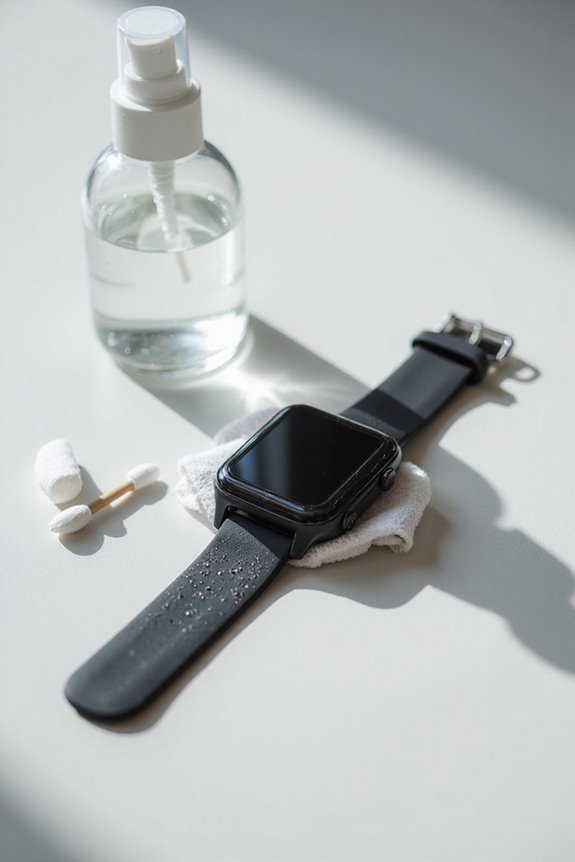
Cleaning our fitness trackers is simple and important for keeping them in good shape. We should start by wiping the exterior with a soft cloth. For charging contacts, using a toothbrush and isopropyl alcohol helps clear debris. The screen benefits from gentle cleaning with a microfiber cloth. Don’t forget to clean bands with mild soap and warm water. Regular care enhances performance. Let’s explore more tips to keep our trackers looking and functioning their best!
Key Takeaways
- Use a soft, lint-free cloth for daily dust removal and dampen it for tougher grime without soaking.
- Clean charging contacts with a cotton swab dipped in 70% isopropyl alcohol and a soft-bristled toothbrush.
- Wipe the screen and sensors gently with a microfiber cloth, avoiding chemicals that may damage them.
- For silicone or rubber bands, wash in warm water mixed with mild soap; hand wash fabric straps separately.
- Clean your device regularly to maintain its performance, especially after intense workouts to remove sweat and dirt.
Cleaning the Device Exterior
You may be interested
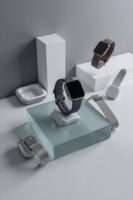
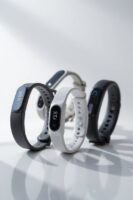

When we think about cleaning our fitness tracker, it’s essential to start with the device’s exterior. Regular cleaning helps maintain its appearance and function. Here’s how we can effectively clean our trackers:
- Materials Matter: Identify the device materials—like silicone, metal, or leather—as different materials require different care.
- Cleaning Techniques: Use a soft, lint-free cloth for daily dust removal. For tougher grime, dampen the cloth slightly with water, avoiding soaking. Cotton swabs can clean hard-to-reach spots.
- Post-Workout Care: After intense sessions, let’s wipe down our trackers to remove sweat, dirt, and oils that could lead to irritation or bacterial buildup. Regular cleaning can also enhance the device’s water resistance and ensure it functions optimally.
Cleaning Charging Contacts and Pins

Cleaning the charging contacts and pins of our fitness tracker is essential for maintaining ideal performance. To start, we should remove the band to access the contacts easily and prevent any damage. Using a soft-bristled toothbrush, cotton swabs, and 70% isopropyl alcohol, we can effectively clean the metal contact points.
Here’s how to do it:
- Dip a cotton swab lightly in alcohol to gently rub the contact points.
- Brush away visible debris using the toothbrush without excessive force.
- Blowing compressed air can help remove stubborn dirt.
We should conduct this cleaning frequently, especially if we notice charging issues. Regular maintenance helps ensure optimal device performance and longevity of our fitness tracker. Remember to let everything dry completely before reconnecting our tracker to avoid any short circuits.
Screen and Sensor Care

Screen Maintenance
- Wipe the screen with a soft microfiber cloth; this helps remove fingerprints and dust without scratching.
- Avoid chemicals or abrasives that could damage the screen’s surface. A damp cloth, lightly moistened with water, works well.
Sensor Protection
- Clean the sensors gently with a microfiber cloth to remove sweat and dirt, avoiding excessive moisture.
- For stubborn debris, use non-metallic tools like a soft brush or toothpick to access small crevices.
- Regular cleaning helps maintain sensor accuracy and overall performance, protecting our device from grime buildup. Additionally, maintaining proper health monitoring features ensures that users receive accurate data from their fitness trackers.
Recommended Products

A whole new level of camera intelligence from new AI processing unit. | Next-generation AF with Real-time Recognition autofocus deep learning AI

CANON USA AUTHORIZED - INCLUDES FULL USA WARRANTY | CANON EOS R6 MARK III Full-Frame Mirrorless Camera: The Professional Hybrid Tool. You demand speed, resolution, and cinema-grade versatility. The R6 Mark III delivers. This camera is engineered for professionals who cannot compromise on stills or video performance.
PROFESSIONAL MICROFIBER CLEANING CLOTHS: SmartRags microfiber cloths are the smarter tool for all cleaning tasks. Designed to handle all cleaning duties in automotive shops, corporate offices, urgent cares, hospitals, and nursing homes that require easy access to microfiber. SmartRags Collection of microfiber cloths quickly clean away dirt and grime
Band and Strap Cleaning
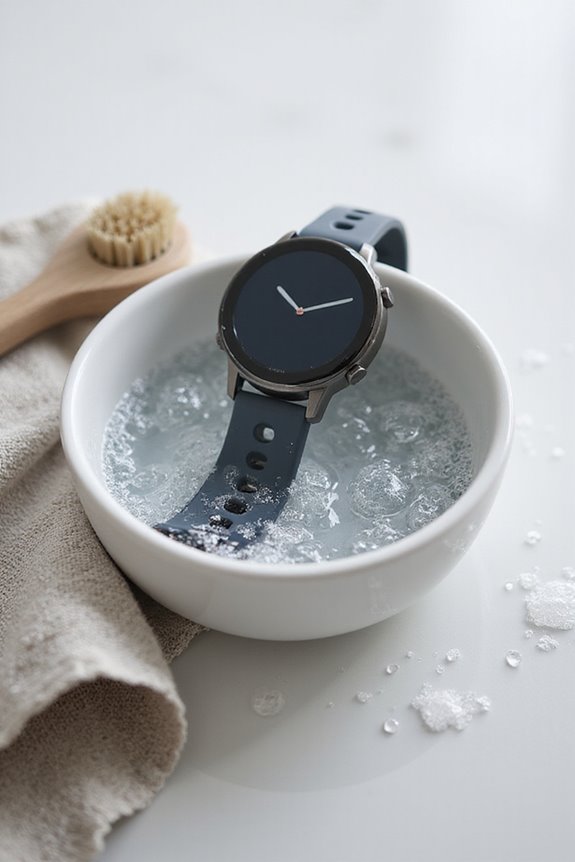
Keeping our fitness tracker looking and functioning its best means paying attention to the band and strap, as they can accumulate dirt, sweat, and odors over time.
Recommended Products
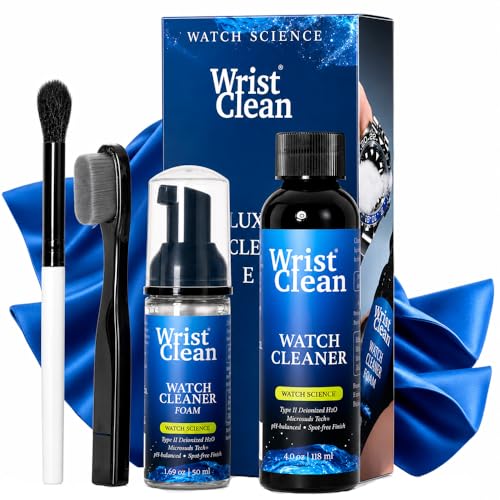
ENGINEERED FOR BETTER PROTECTION: WristClean's Watch Cleaning Solution & jewelry cleaner solution contains Microsuds Tech to reduce scratches while cleaning & being gentler on waterproof gaskets
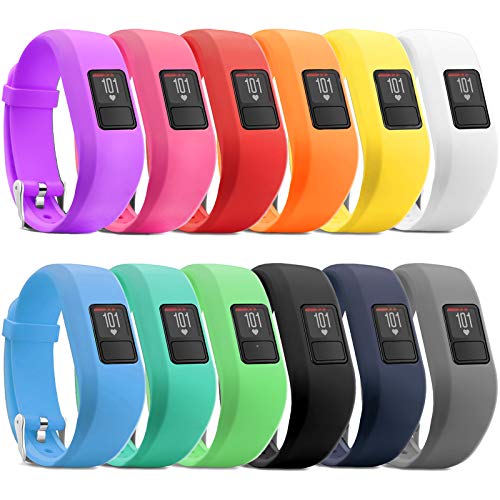

Compatible Models-- Compatible with Samsung Galaxy Watch Active 40mm SM-R500 / 42mm SM-R810 / SM-R815 / Gear Sport and many traditional or Smart Watches with standard 20mm lug width such as Garmin VivoActive 3 / Ticwatch 2 / Pebble Time Round 20mm
Cleaning Your Band
- Remove the Band: Detach the band to clean all surfaces thoroughly without damaging it. Use the device-specific release mechanism.
- Silicone or Rubber Bands: Mix warm water with mild soap. Gently scrub with a soft cloth or toothbrush, rinse, and dry.
- Fabric Straps: Hand wash with mild detergent and warm water. Rinse well, gently squeeze out excess water, and air-dry flat.
- Leather Bands: Wipe with a damp cloth, avoiding excessive moisture. Condition afterward to maintain the material.
Regular Cleaning Frequency
Perform cleanings every few weeks or after intense workouts to maintain our bands in great shape. Water resistance ratings ensure that the materials hold up against moisture and sweat exposure effectively.
Avoiding Damage During Cleaning

When it comes to caring for our fitness trackers, avoiding damage during cleaning is crucial. To protect our devices, let’s use manufacturer-recommended disinfectant types, such as 70% ethyl or isopropyl alcohol. We should steer clear of harsh cleaners like ammonia-based products, which can harm screens.
Cleaning frequency matters, too; we can prevent grime buildup by regularly using soft cloths without excessive moisture. Remember to avoid soaking the device and remove bands beforehand. Using soft brushes or toothpicks helps us reach tricky spots without scratching surfaces. Finally, let’s verify everything is completely dry before reassembling to prevent irritation or corrosion. By following these guidelines, we can keep our fitness trackers in great condition! Additionally, regularly cleaning sensors is crucial for accurate readings to ensure optimal performance of your device.
Additional Tips and Maintenance
To keep our fitness trackers in top shape, a few additional maintenance tips can go a long way. Here are some straightforward practices:
- Band Replacement: If your band shows signs of wear or irritation, consider replacing it. Choosing the right material can enhance comfort during workouts.
- Device Customization: Regularly check for software updates to guarantee our trackers perform at their best.
- Wrist Fit: Adjusting the band’s position can improve sensor accuracy.
- Charging Habits: Remember to charge before the battery’s fully drained; maintaining around a 20% charge is ideal.
- Storage: When not in use, store it in a cool, dry place to prevent damage.
Stubborn Dirt Removal Techniques
Stubborn dirt on our fitness trackers can be a real hassle, but there are effective techniques we can use to tackle it. First, soaking our silicone bands in warm water with baking soda for about 30 minutes helps loosen stubborn grime and odors. Afterward, we can gently scrub with a soft toothbrush, focusing on crevices.
For those tricky spots where dirt accumulates, cotton swabs and gentle scraping tools, like a thumbtack, can be our best friends. We should avoid harsh chemicals and abrasive materials, sticking to mild dish soap or isopropyl alcohol for sanitizing. By using these cleaning tools, we guarantee our fitness trackers remain fresh and functional, enhancing our overall experience.
Recommended Products
Dual Lid Versatility and Cup Holder Design: Our motivational Glass water bottle comes with both a spout lid and a straw lid. Whether you need it as a stylish tumbler or a leak-proof cute clear water bottle, our product is designed to meet your needs on various occasions, and it conveniently fits in cup holders

INNOVATIVE DUAL-PURPOSE LID:The straw lid of 84oz glass water bottle offers two ways to drink. Whether you prefer sipping through a flip straw or chug from the spout mouth, the unique 2-In-1 Lid got you covered. The leakproof lid also features a one-click snap lock and dust-proof cap for a cleaner and more hygienic drinking experience. One-handed operation: push up to lock, push down to unlock.

Track How Much You Drink - Our BPA Free 1 gallon bottles come with time markers on the side so you can see your daily water intake and stay on track meet your health and fitness goals.
Drying and Reattaching Bands
After we’ve cleaned our fitness tracker bands, the next step is making certain they’re dried and reattached properly. We can use a few effective drying techniques to make sure the bands are ready. First, gently squeeze out excess water and lay them flat on a clean towel. Avoid twisting, which may stretch the material.
Once the bands are fully dry, it’s time to use the proper reattachment methods. Make sure to reattach on a clean, dry wrist and check for moisture. For most bands, securely slide metal tabs or press clips to make certain of a snug fit, but allow enough room for movement. Following these practices helps maintain both our device’s integrity and our comfort.
Recommended Products

【24/7 Sleep Tracking Smart Bracelets】Ultra-thin and comfortable, this smart bracelet Fitness Trackers monitors deep, light, and awake sleep stages throughout the night. Perfect for travelers and professionals, this smart band& health wristband helps you form healthy habits with detailed insights synced to the free app.

【Ajblg Fitness Tracker】Experience 24/7 continuous health tracking with AJBLG fitness tracker. Advanced sensors and AI algorithms continuously monitor real-time heart rate, blood pressure, blood oxygen, heart rate variability, and stress levels day and night. Get comprehensive health insights through detailed trends and analysis reports on the companion app to understand your health status, prevent risks, and improve your health level.

Track your wellness day and night with 24/7 heart rate, blood pressure and blood oxygen monitoring, MorePro health fitness tracker helping you stay aware of everyday body changes whether at home, at work, or on the go
Storing Your Fitness Tracker Properly
Storing your fitness tracker properly is essential if we want to guarantee its longevity and peak performance. Here are some important points to evaluate:
- Storage Conditions: Keep your tracker in a cool, dry place to avoid moisture damage. Aim for humidity levels between 30% and 50% with temperatures around 15–25°C (59–77°F).
- Moisture Control: Using silica gel packs can help absorb excess moisture in your storage area.
- Protection: Store the device in a padded case to prevent scratches and avoid putting heavy items on top.
- Battery Care: Charge it fully before long-term storage to maintain battery health, and contemplate powering it down if you won’t use it for an extended period.
Frequently Asked Questions
How Often Should I Clean My Fitness Tracker?
When it comes to cleaning frequency, we should aim for weekly routines for active lifestyles. Following maintenance tips helps prevent bacteria buildup, keeping our fitness trackers, and ourselves, in excellent condition. Don’t neglect it!
Can I Use Baby Wipes for Cleaning?
We can use baby wipes for fitness tracker care, as they offer gentle cleaning benefits for surfaces. However, let’s be cautious about potential residue and avoid them on delicate screens to keep our devices safe.
Is It Safe to Clean While Charging?
When it comes to charging safety, we shouldn’t mix cleaning techniques with a powered device. Moisture and electricity aren’t friends—let’s unplug our fitness trackers before we plunge into any cleaning adventures.
What if My Fitness Tracker Gets Wet?
If our fitness tracker gets wet, we should act quickly to prevent water damage. We’ll power it off, dry the exterior gently, and consider using rice for moisture prevention. Let’s protect our devices!
Do I Need Special Products for Cleaning?
We don’t need fancy products for cleaning! Just common cleaning materials and some simple techniques, like a soft toothbrush and isopropyl alcohol, can work wonders to keep things spick and span! Let’s plunge in!